

Your numbers, worked out from the bookings.
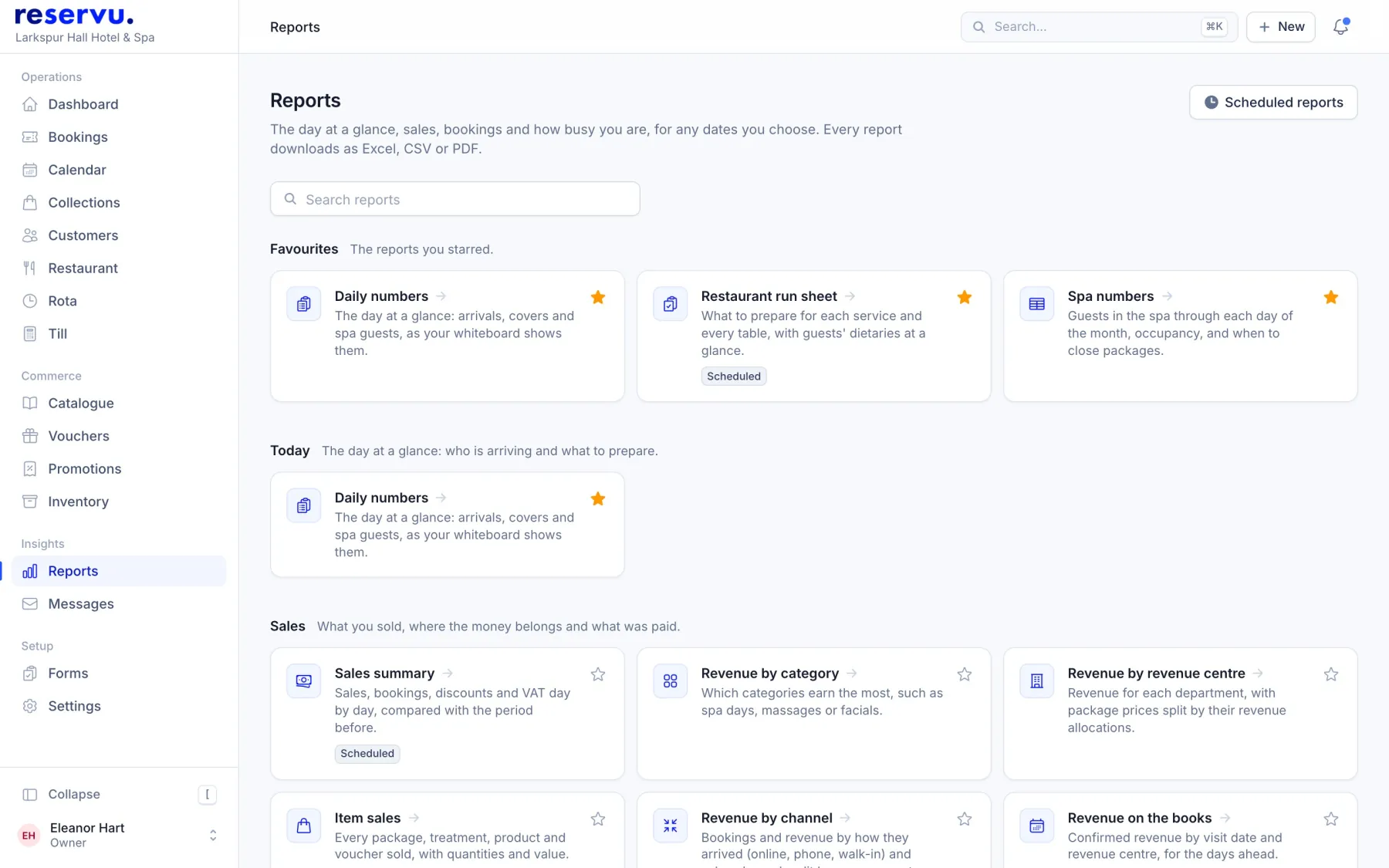
Daily numbers for the desk, sales and revenue for the office, occupancy for the spa. Every report opens for the dates you choose, downloads as Excel, CSV or PDF, and can arrive by email on a schedule.

In the inbox before the doors open.
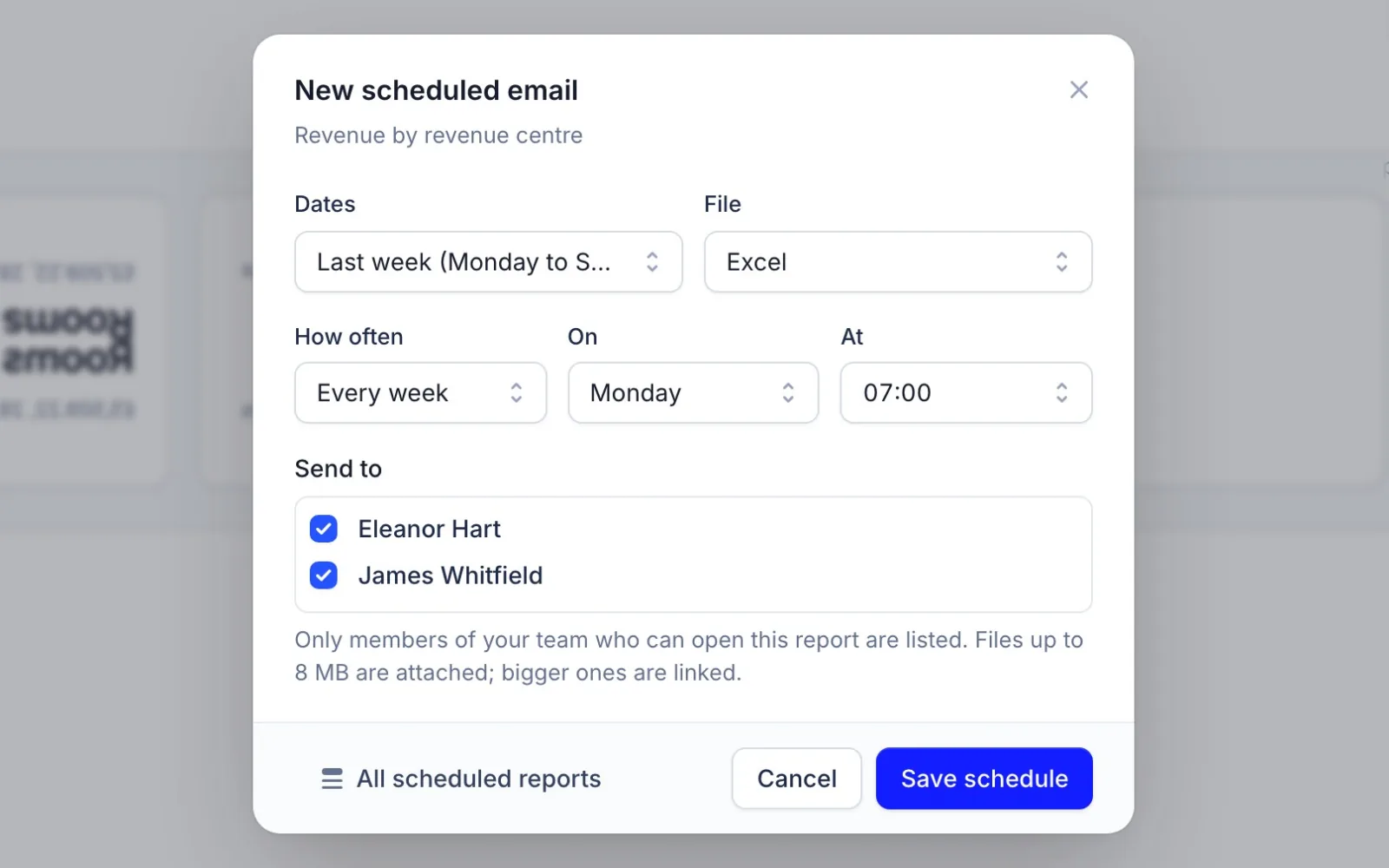
Any report can be emailed on a schedule: every day, every week or every month, at the time you choose, covering a period such as yesterday, last week or last month. Pick Excel, CSV or PDF and the team members it goes to.
- Daily, weekly or monthly, at your time
- Sent only to team members who can open the report
- The file attached, or a link when it is very large
- Pause, change or stop a schedule at any time
The day, as your whiteboard shows it.
Daily numbers counts what is booked for a day in lines you set up, such as morning arrivals, lunches and spa guests, with no money in it, so the front desk can open it. Spa numbers shows who is in the spa in each part of the day across a month, against your capacities, with a warning when it is time to close packages.
- Daily numbers, in the lines you set up
- Spa numbers by part of the day, against your capacities
- A restaurant run sheet of every table, with dietaries
- An end of day summary for the morning after

Sales, split the way your accounts are.
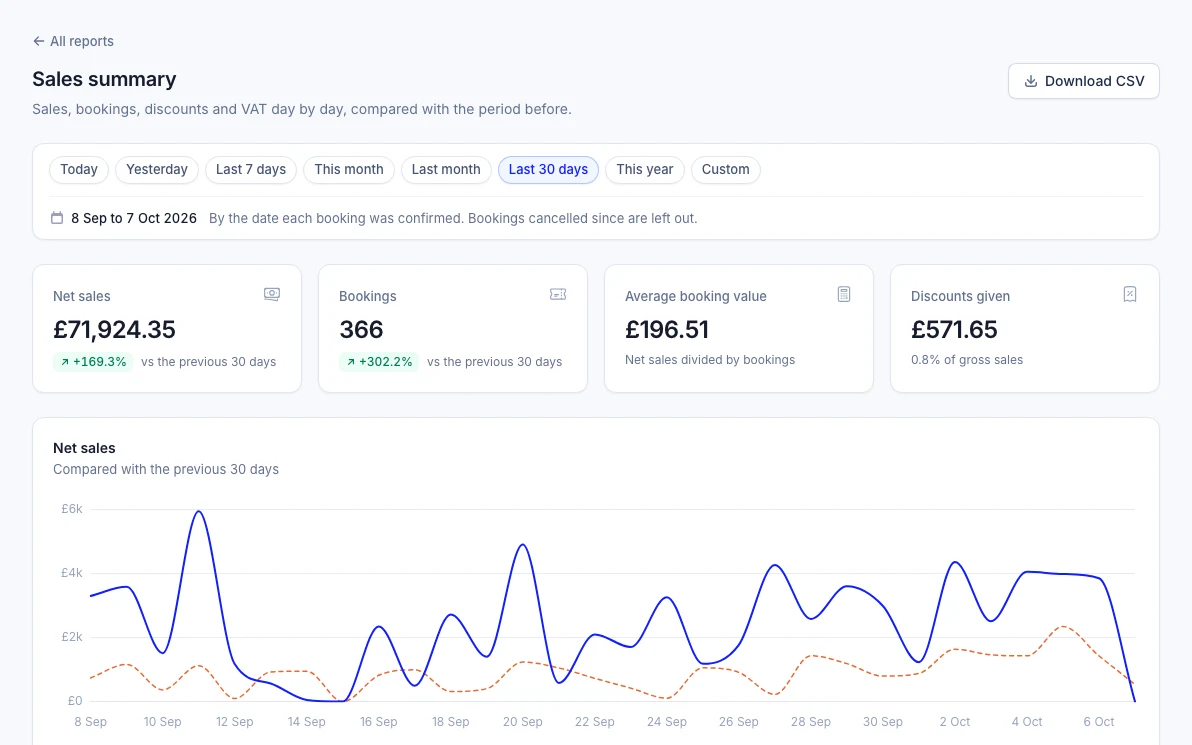
The sales summary sets each day against the period before. Revenue by revenue centre splits a package’s price across spa treatments, food and rooms by the amounts you allocate, and payments and refunds are listed by method to reconcile with Stripe, the bank and the till.
- Sales, bookings, discounts and VAT, compared with the period before
- Revenue by category, revenue centre and channel
- Deposits held, payment links and voucher liability
- Downloads with the same figures as the page
Questions spas ask.
Who can see which reports?
Reports open by role. Daily numbers, Spa numbers and the restaurant run sheet carry no money, so the front desk can open them; the rest are for owners, managers and read only users.
Can we change the dates?
Yes. Every report opens for the dates you choose, with presets such as yesterday, the last 7 days and last month. The sales summary compares them with the period before.
Do the restaurant and retail show up?
Yes. Covers and run sheets for the restaurant, retail in item sales and payments, and stock on hand and stock movements for the shelves.



See your own numbers in Reservu.
In the demo we open the reports on a busy month and set up a scheduled email with you.