

Health forms, done before they arrive.
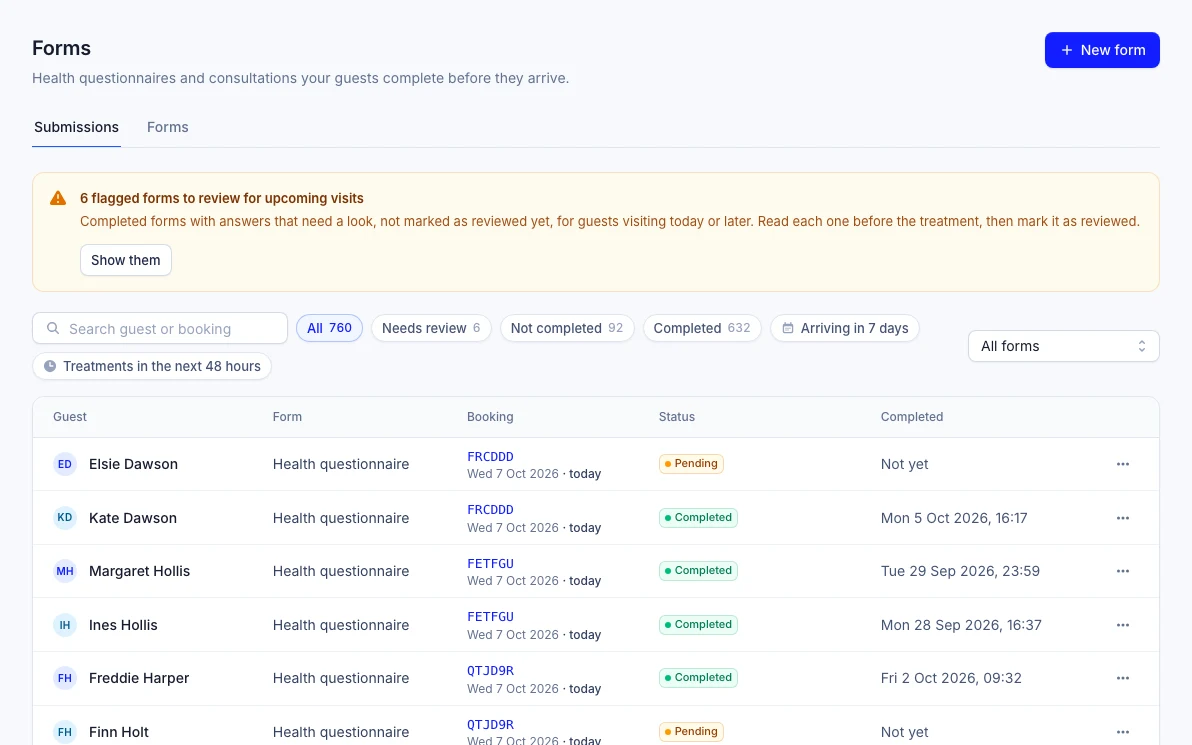
Every guest is sent the forms their booking needs before the visit, with reminders until they are done. Answers that need a look are flagged, so they are read before anyone is treated.
Sent before the visit, with reminders.
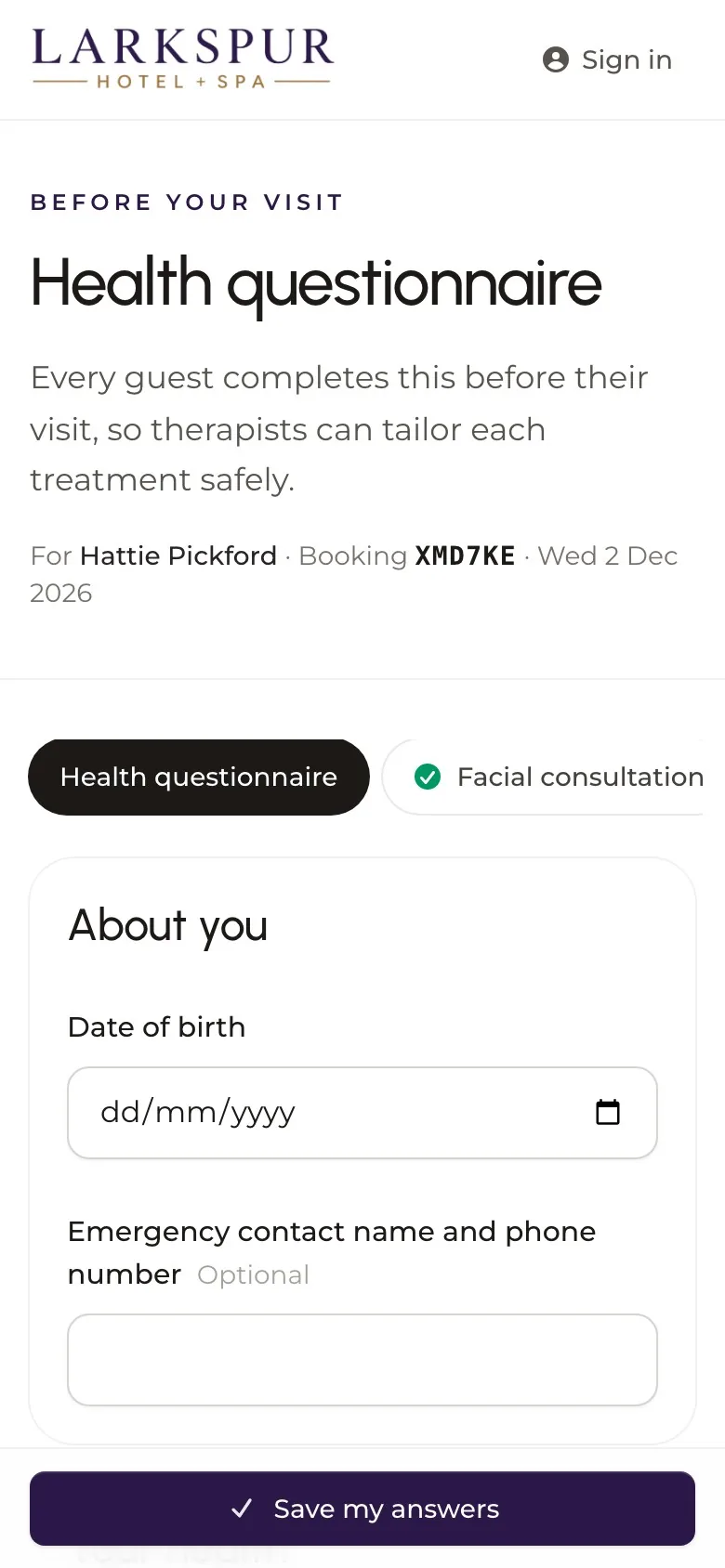
Each guest is asked for the forms their booking needs: a health questionnaire for every spa visit, say, and a consultation for facials. The confirmation email links to them, guests who gave their own email address get their own link, and reminders go out at the times you choose until the forms are in.
- Forms for every spa booking, or only for the treatments you choose
- Restaurant only bookings are never asked
- One form at a time on the guest’s phone, with big buttons to tap
- Answers can be updated until the visit
Flagged answers, read before treatment.
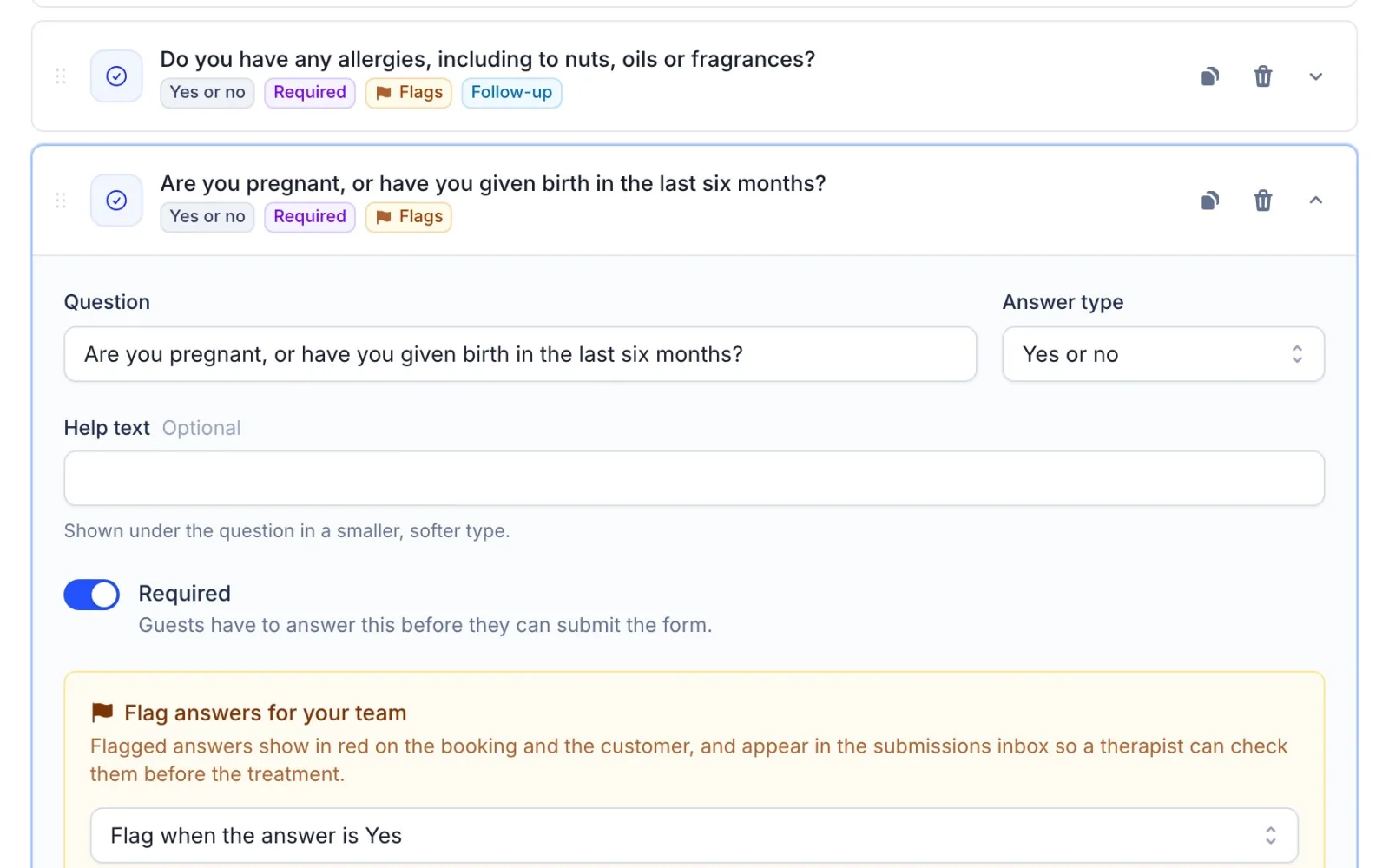
You decide which answers raise a flag, such as Yes to a pregnancy question. Flagged answers show in red on the booking, the customer and the calendar, and the desk confirms they have read them with the guest at check in. Each form records who reviewed it and when.
- Flags on yes or no and choice questions, with follow up questions
- A forms inbox of answers to review and forms still to come
- Guests with a treatment in the next 48 hours, at a glance
Filled in at the desk.
When a guest arrives without their forms, check in offers two ways to finish them: hand the tablet to the guest, who sees the form full screen, or fill it in with them. Going back to the back office asks for the team member’s password, so the guest only ever sees their own form.
- Handed to the guest, full screen
- Or filled in by the team on the guest’s behalf
- A missing form never holds up check in
Therapists see their own guests’ forms.
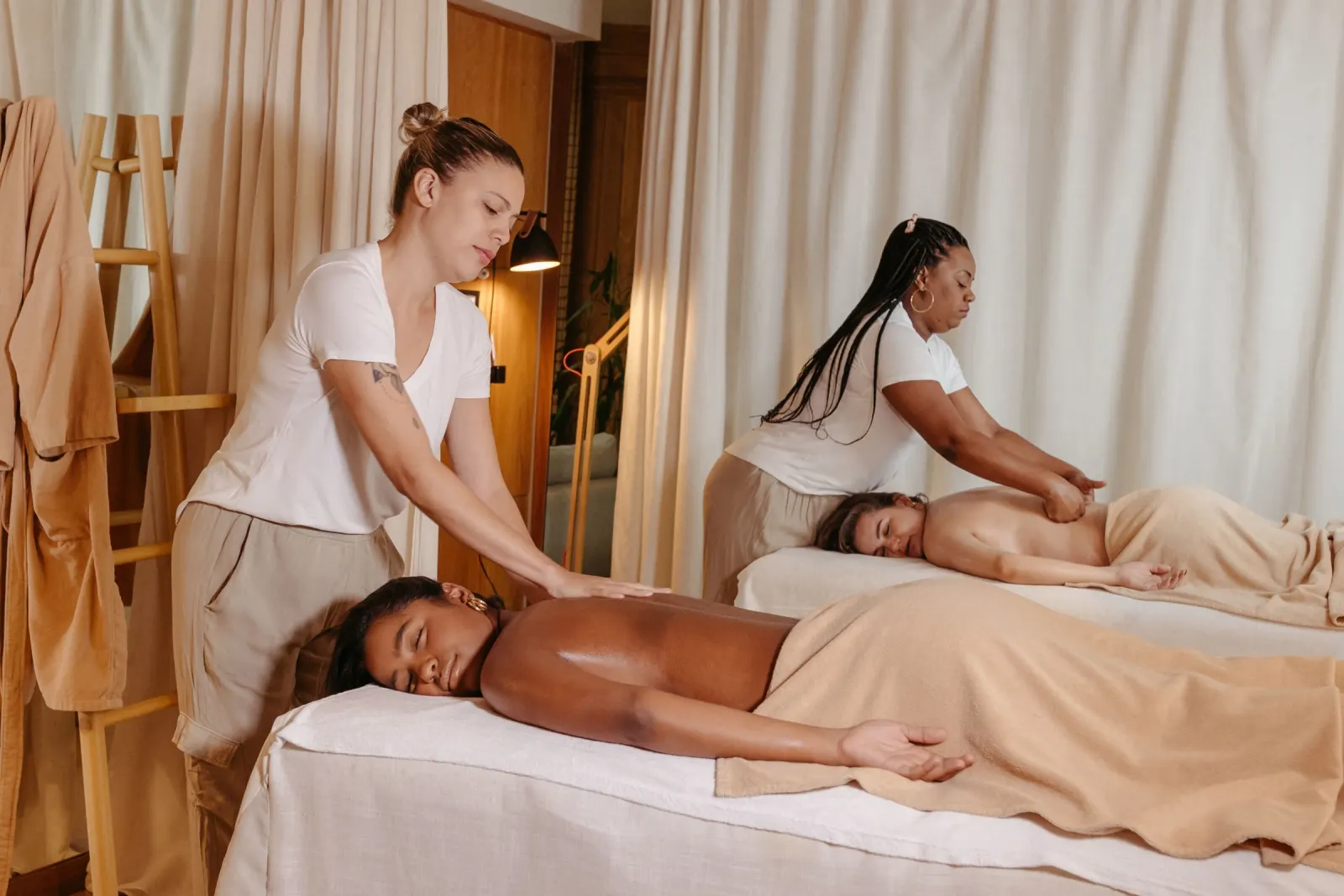
Open a treatment on the calendar and the guest’s answers are there with it. A therapist signed in to Reservu sees the forms of the guests they are booked to treat, and nobody else’s.
- The answers on the treatment, from the calendar
- Kept on the customer’s profile for their next visit

Your forms, your questions.
Build each form in sections, preview it as a guest sees it, and switch it on when it is ready.
- Who is asked
- Every booking with a treatment, session or stay, or only bookings with certain treatments.
- Yes or no
- With a follow up question when the answer calls for more detail.
- Choices
- Single or multiple choice, flagged on the answers you pick.
- Details
- Dates, numbers, email addresses, phone numbers and written answers.
- Declaration and signature
- A statement the guest ticks to confirm, and their full name typed to sign.
- Headings and notes
- Split a long form into sections, with a word of guidance where it helps.
Questions spas ask.
Can guests change their answers?
Yes. A completed form can be updated until the visit, and your team can correct answers on the guest’s behalf.
Does a missing form stop check in?
No. The desk can hand the guest the tablet or fill the form in with them, and check in goes ahead either way.
Who can read the answers?
Your team, by role. Therapists only see the forms of the guests they are booked to treat.

See a flagged answer reach the desk.
In the demo we fill in a questionnaire as a guest, flag an answer and show you where the desk and the therapist see it.